
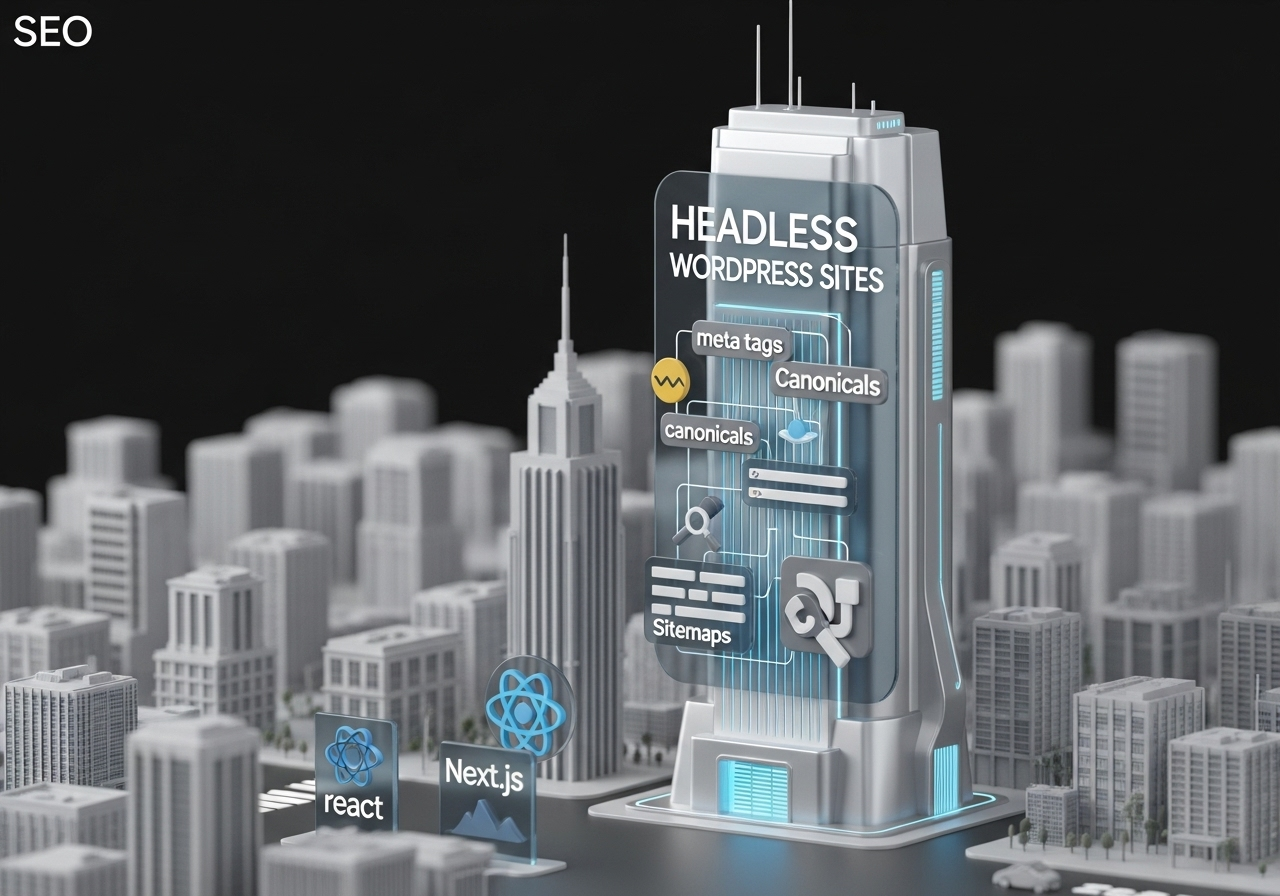
Navigating SEO in the Era of Headless WordPress
As businesses shift toward faster and more flexible websites, many are adopting a headless architecture—using WordPress for content management and React with Next.js for the frontend. This powerful combination offers speed and control, but it also demands a fresh approach to Search Engine Optimization (SEO).
If you’ve built or are planning to build a headless WordPress site with React and Next.js.
How to ensure your content gets noticed by search engines
1. Choose the Right Rendering Strategy
Unlike traditional websites, headless setups don’t always serve pre-built HTML pages. To make sure search engines can properly read your content, use static site generation or server-side rendering. These approaches ensure your content is visible and indexable when search engines visit your site.
2. Write Unique and Relevant Meta Information
Each page on your site should have its own unique meta title and description. These appear in search engine results and tell both users and search bots what the page is about. Keep titles under 60 characters and descriptions under 155 characters, and include your target keywords naturally.
3. Create Clean and Descriptive URLs
Search engines prefer simple, human-readable URLs. Instead of complicated links full of numbers or symbols, use clear paths like:
www.yoursite.com/blog/seo-best-practices
Make sure your URLs reflect the page content and include relevant keywords.
4. Add an XML Sitemap and Robots.txt File
A sitemap helps search engines discover all the pages on your site. A robots.txt file gives instructions on which pages search engines should or shouldn’t index. Both are important tools to improve visibility and ensure search bots can crawl your content efficiently.
5. Use Structured Data for Better Visibility
Structured data is additional information added to your content that helps search engines understand what your page is about. For example, marking a blog post as an article or a recipe as a recipe can help your content appear in rich results like featured snippets.
6. Optimize Images for Speed and SEO
Large images can slow down your site, which negatively affects SEO. To prevent this:
-
Use compressed image formats like WebP.
-
Always include alt text to describe images—this improves accessibility and SEO.
7. Prevent Duplicate Content with Canonical Tags
If the same content appears on multiple pages, search engines may get confused and penalize your rankings. Use canonical tags to point search engines to the preferred version of a page. This helps maintain your SEO credibility.
8. Improve Navigation with Breadcrumbs
Breadcrumbs show users where they are on your site and help search engines understand your site’s structure. They also appear in search results, which can improve click-through rates and user experience.
9. Focus on Core Web Vitals
Google uses Core Web Vitals to measure user experience. These include:
-
How quickly your site loads
-
How stable the layout is
-
How responsive the site feels
Use tools like Google PageSpeed Insights to check these metrics and make improvements where needed.
10. Monitor Your SEO Performance Regularly
Use platforms like Google Search Console, Ahrefs, or SEMrush to track your rankings, backlinks, and any technical SEO issues. Regular audits help you stay ahead of problems and continue improving your site’s visibility.
Conclusion
A headless website built with WordPress, React, and Next.js gives you unmatched power and flexibility—but only if people can find it. By following these SEO best practices, you ensure your content is searchable, your pages load fast, and your site stays competitive in Google’s eyes.
In the world of digital marketing, visibility is everything—and a well-optimized headless site delivers the best of both speed and search performance.





