
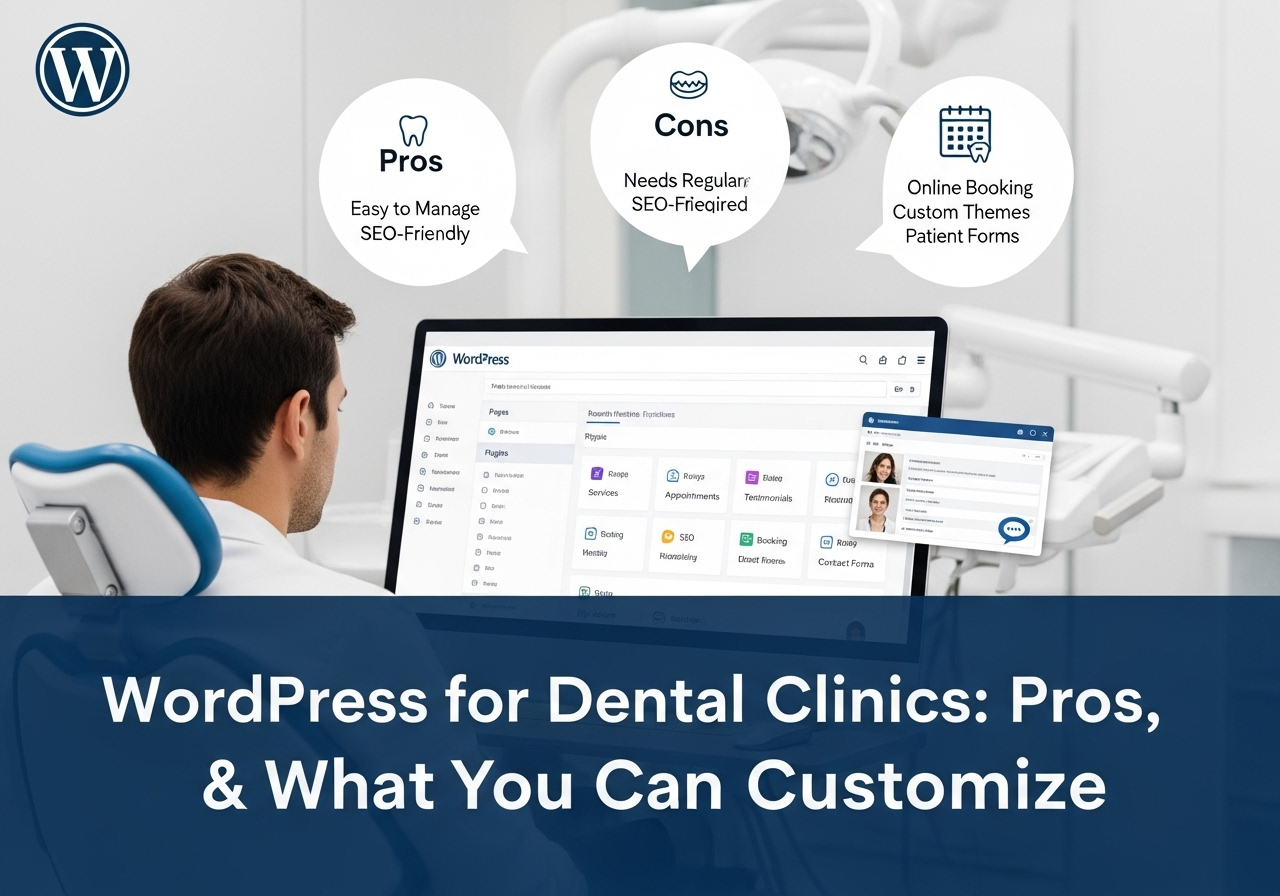
Exploring the Benefits, Limitations & Custom Options for Dental Clinics
For modern dental clinics aiming to establish or upgrade their digital presence, one question often pops up early:
Can a WordPress website meet the unique needs of a dentist?
The short answer: Absolutely — with the right approach.
WordPress, the world’s most popular content management system (CMS), powers over 40% of websites globally. It’s versatile, user-friendly, and packed with features. But is it truly equipped to handle the specific demands of a dental practice — such as appointment scheduling, HIPAA compliance, and local SEO?
In this article, we’ll break down the pros, cons, and must-have customizations that determine whether WordPress is the right fit for your clinic. Whether you’re a solo practitioner or a CTO managing a network of dental clinics, this guide will help you make a confident, informed choice.
Why Dentists Are Choosing WordPress
Easy to Use, Even for Non-Techies
WordPress offers intuitive interfaces and drag-and-drop builders like Elementor and WPBakery, making it easy to edit pages, upload blogs, and manage updates — no coding needed.
SEO-Ready for Local Search
With the right plugins (like Yoast SEO or Rank Math), WordPress helps dentists rank higher in Google Maps and local search results — critical for attracting nearby patients.
Plugin Ecosystem for Dental Features
From appointment booking systems (e.g., Bookly, Amelia) to chatbots, testimonial sliders, and before-after galleries, the WordPress plugin ecosystem makes it possible to extend your site’s functionality without reinventing the wheel.
Cost-Effective for Small to Mid-Sized Clinics
WordPress websites are relatively affordable to build and maintain — ideal for independent clinics or startups with limited marketing budgets.
Where WordPress May Fall Short
While WordPress is powerful, it’s not perfect for every dental practice — especially those scaling fast or handling complex digital needs.
Performance Can Lag Without Optimization
Out-of-the-box, WordPress sites can suffer from slow load times, especially if overloaded with plugins. A poorly optimized site can frustrate users and impact SEO.
Security Risks Without Maintenance
Because it’s so widely used, WordPress is a frequent target for hackers. Regular updates, strong passwords, and premium security plugins are a must.
Plugin Overload Can Cause Conflicts
Too many plugins or poorly coded ones can clash, break features, or expose vulnerabilities. Dentists need a tech partner to curate a clean, conflict-free setup.
WordPress vs Headless CMS: A Quick Comparison
| Feature | WordPress | Headless CMS |
| Ease of Use | Beginner-friendly | Developer-centric |
| Setup Time | Quick (2–4 weeks) | Longer (4–8 weeks) |
| Performance | Moderate (needs optimization) | High (custom front-end performance) |
| Scalability | Suitable for small to mid-size sites | Ideal for large/multi-location clinics |
| Cost | Lower upfront cost | Higher upfront, better long-term ROI |
| Customization | High via plugins & themes | Extremely high via APIs |
Verdict:
If you need a solid, manageable solution for your clinic’s online presence, WordPress is a fantastic choice. If you’re building a scalable, app-integrated, or multi-location dental brand, you might explore headless options — and that’s where expert guidance becomes key.
Must-Have WordPress Customizations for Dentists
- Online Appointment Booking
Tools like Amelia, Bookly, or Simply Schedule Appointments let patients schedule visits 24/7 — reducing call volume and improving convenience. - Before & After Gallery
Showcase successful treatments (with patient consent) using gallery plugins. This builds trust and social proof. - Patient Testimonials & Reviews
Display real Google or in-house reviews dynamically using plugins or custom blocks. - HIPAA-Compliant Contact Forms
Though WordPress doesn’t natively offer HIPAA compliance, using encrypted form plugins (like Gravity Forms with HIPAA add-ons) and secure hosting can help you meet standards. - Live Chat or Chatbot Integration
Boost engagement by installing Tawk.to, LiveChat, or custom AI chatbots that answer FAQs and pre-qualify leads. - Local SEO Enhancements
Use structured data, geo-targeted landing pages, and map integrations to rank in local searches.
Checklist: Is WordPress Right for Your Dental Clinic?
- Do you want to launch quickly and affordably?
- Do you need control over your content and updates?
- Are you looking for plugins that support bookings, testimonials, and SEO?
- Do you have a trusted web partner for setup and maintenance?
If you answered yes to most of these, WordPress is a smart move.
Why Partner with Muniwar Technologies?
At Muniwar Technologies, we don’t just build websites — we create tailored digital ecosystems that attract, engage, and convert patients.
We help dental practices:
- Launch stunning, mobile-friendly websites
- Integrate advanced features like bookings and secure forms
- Optimize for local and voice search
- Ensure performance and uptime with ongoing support
- Scale your digital presence as your clinic grows
Whether you’re launching your first dental site or planning a tech-driven upgrade, we’ll guide you through every step — from choosing the right CMS to implementing best-in-class features.
Conclusion
Yes, WordPress can absolutely work for dentists. With the right customizations and expert support, it becomes a reliable, flexible, and high-performing platform tailored to your clinic’s unique needs. From appointment bookings to local SEO, everything can be built around your goals.
Ready to Take the Next Step?
Let Muniwar Technologies help you build the perfect digital foundation for your dental practice.
Contact us today to discuss your vision and explore whether WordPress or a headless solution is right for you.
Email: info@muniwar.com
Phone: +91 888-22-66-111 | +91-11-43050611





