
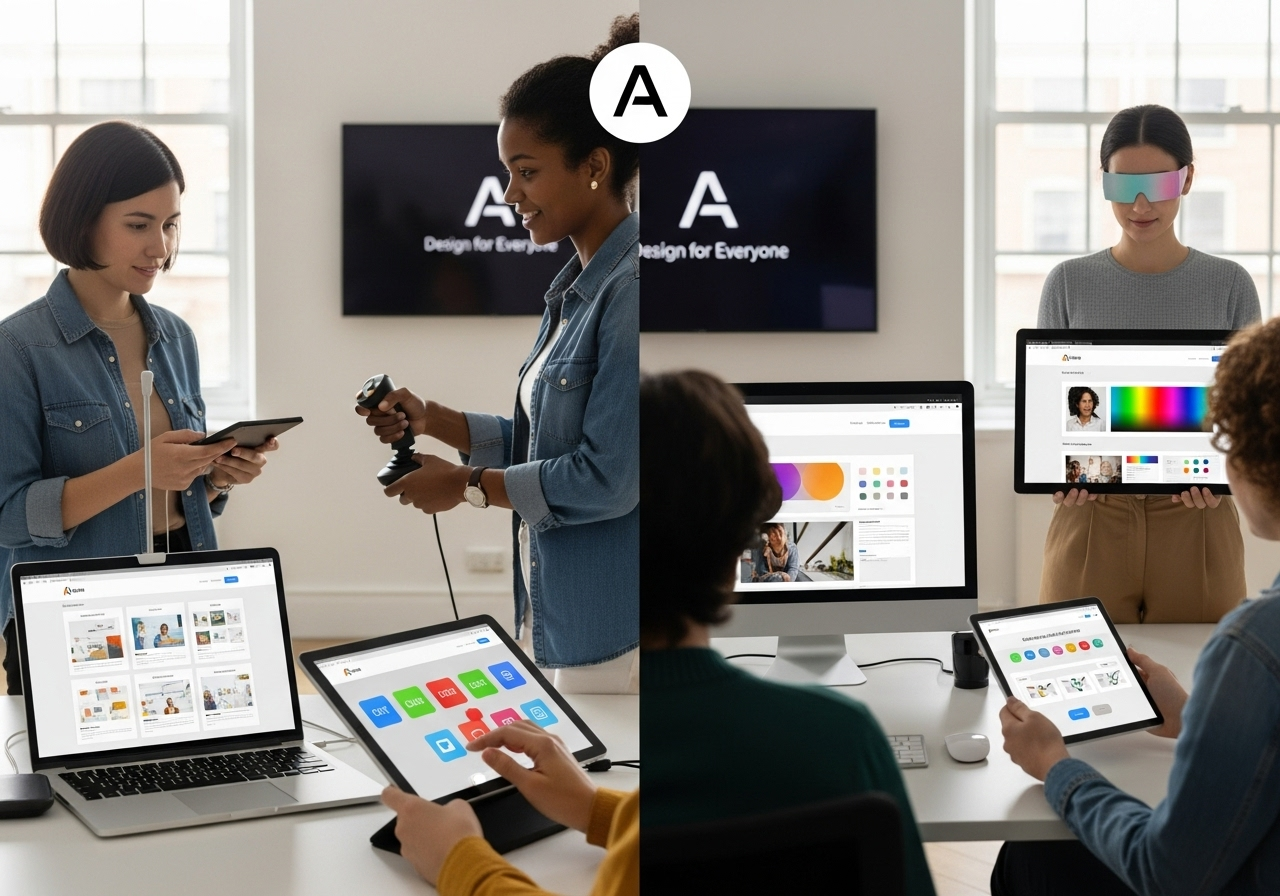
Practical strategies for building inclusive digital experiences that meet legal and ethical standards
In today’s digital world, building a website isn’t just about visual design or advanced features—it’s about inclusive access. Whether you lead a creative agency, digital consultancy, or development studio, ensuring that your websites are accessible to all users—including people with disabilities—is not only a legal requirement but also a business advantage.
But what exactly does accessibility mean in practice? And how can your agency make sure no user is left out?
At Muniwar Technologies, we specialize in creating WCAG 2.2 and ADA-compliant websites that combine usability, scalability, and modern design. Let’s explore what web accessibility really entails, who benefits from it, and how you can make it an essential part of your process.
What Does Website Accessibility Mean?
Website accessibility ensures that people with disabilities can navigate, understand, interact with, and engage with your website, regardless of their device or limitation.
Examples of accessibility needs include:
- Screen reader compatibility for visually impaired users
- Full keyboard navigation for users with limited motor abilities
- Captions or transcripts for multimedia content
- Simplified content structure for cognitive disabilities
To meet these needs, agencies must follow key standards like:
- WCAG 2.2 (Web Content Accessibility Guidelines)
- ADA (Americans with Disabilities Act)
- Section 508 (US) or EN 301 549 (EU)
Who Benefits from Accessible Design?
While accessibility directly supports users with disabilities, it also improves experiences for a much broader audience:
- Mobile users navigating with one hand or in poor lighting
- Older adults with vision, hearing, or motor impairments
- Users in low-bandwidth regions with limited resources
- Voice interface users relying on screen structure and commands
- Multilingual visitors who appreciate clear layouts and headings
Accessible design = better user experience for everyone.
How Agencies Can Ensure Accessibility from the Start
Inclusive design should be baked into the process—not added as an afterthought. Here’s how agencies can build accessibility into every web project:
1. Use Semantic HTML
Utilize proper heading levels, list elements, and HTML landmarks like <nav>, <main>, and <footer>. These help assistive technologies understand the page structure.
2. Add Meaningful Alt Text
Every image must have descriptive alternative text for screen reader users. Avoid placeholder text like “image1.jpg”—be relevant and clear.
3. Support Keyboard-Only Navigation
Ensure all elements like menus, buttons, and popups can be accessed via keyboard alone.
4. Prioritize Color Contrast and Clarity
Ensure that text is readable against its background and that color isn’t the sole way to convey important information.
5. Include Captions and Transcripts
Add captions for videos and transcripts for audio files. This helps users who are deaf or hard of hearing and improves your SEO.
6. Test for Accessibility
Use both automated and manual testing methods:
- axe DevTools
- WAVE
- NVDA screen reader
- Lighthouse accessibility audits
WordPress vs Headless CMS: Which is More Accessible?
The content management system (CMS) you choose affects how easily your team can maintain accessibility.
| Feature | WordPress | Headless CMS (e.g., Strapi + React) |
| Accessibility Plugins | Yes, many available | Manual implementation required |
| Editor Friendliness | Easy for non-developers | Needs structured content setup |
| Flexibility | Limited by themes | Fully customizable UI |
| Best For | Blogs, marketing sites | Scalable web apps, multilingual platforms |
At Muniwar Technologies, we guide agencies to the best-fit CMS based on their needs while ensuring accessibility remains a core priority.
Accessibility Checklist for Agencies
Use this checklist to review your current accessibility practices:
- Proper use of heading hierarchy
- All images have meaningful alt text
- Forms include labels and visible error messages
- Color contrast meets WCAG standards
- Navigation is possible using only the keyboard
- Video and audio content include captions/transcripts
- Screen reader testing is completed
- ARIA roles are used where necessary
If any of these areas are missing, it’s time to enhance your accessibility strategy.
Case Study: Making Accessibility a Standard Practice
Client: Global creative agency
Challenge: Needed to deliver accessible marketing microsites quickly across multiple regions
Solution:
- Developed a design system with reusable, WCAG-compliant components
- Customized WordPress setup with accessibility-focused plugins
- Provided team training on inclusive design standards
Outcome:
Reduced legal risks, improved performance, and accelerated time-to-market by 30%.
Conclusion
Inclusion is not just good ethics—it’s smart business.
Ready to Prioritize Accessibility?
At Muniwar Technologies, we help agencies:
- Conduct accessibility audits and redesigns
- Build WCAG 2.2-compliant CMS websites
- Train teams on accessibility best practices
- Deliver scalable e-commerce and web app solutions that are inclusive by design
Let’s build a digital world where no user is left behind. Call Us: +91 888-22-66-111 | +91-11-43050611
Contact Muniwar Technologies today to elevate your agency’s accessibility approach.





