
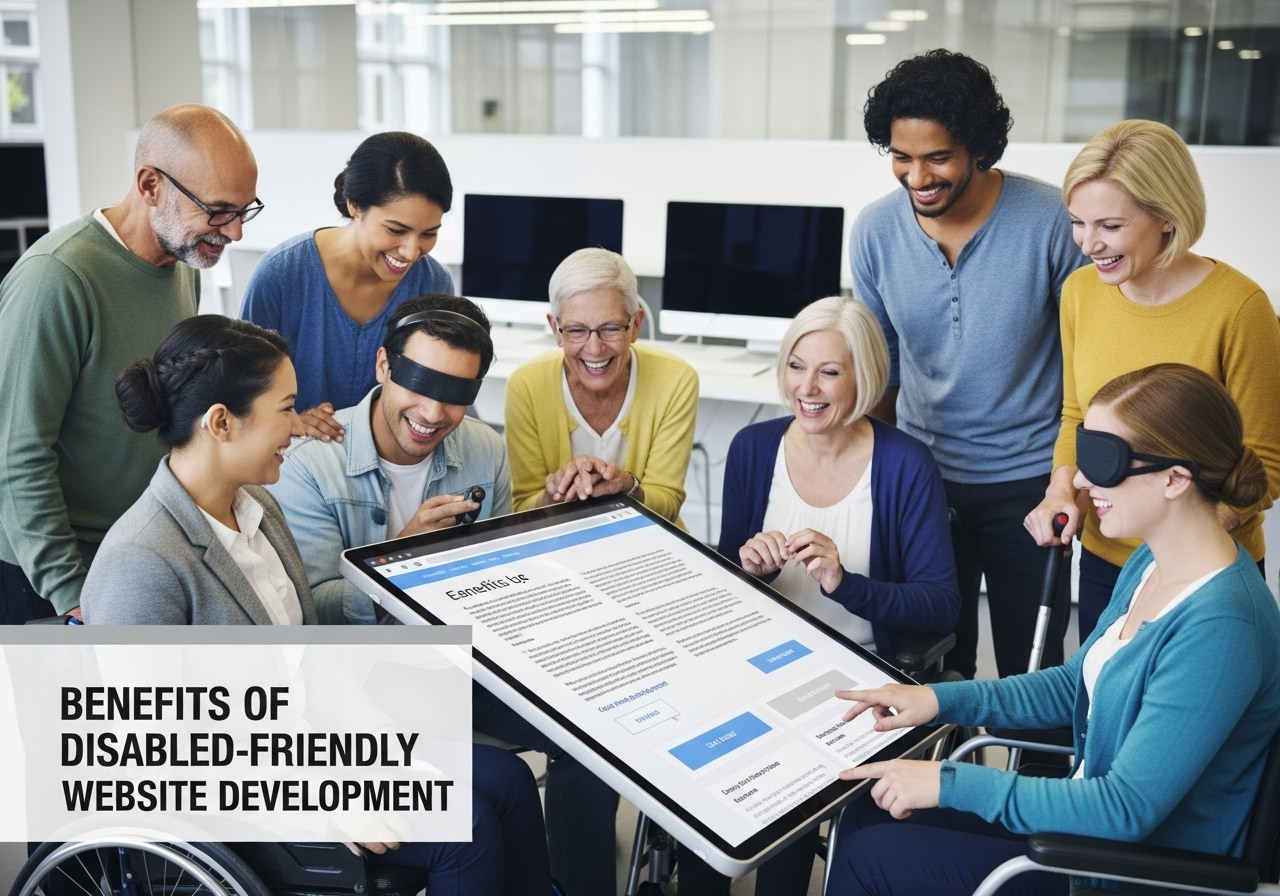
Why Inclusive Web Design Is Good for Everyone—Not Just for Legal Compliance
When businesses invest in disabled-friendly websites, it’s often seen as a move to avoid legal risks or check off a compliance requirement. But here’s the truth: accessible web development creates value far beyond your bottom line.
Whether you’re a CTO planning a website revamp, an e-commerce manager building a new platform, or a founder scaling a startup—understanding who benefits from accessibility can reshape the way you build digital experiences.
At Muniwar Technologies, we help brands create websites that are both WCAG 2.2 and ADA-compliant—while also driving user engagement, SEO rankings, and better UX for all. Let’s explore how accessibility impacts various audiences—and why building an inclusive site is a win-win for everyone.
First Things First: What Is Disabled-Friendly Web Development?
Accessible or disabled-friendly web development refers to designing and coding websites so that people with disabilities can perceive, understand, navigate, and interact with your content effectively.
This includes:
- Visually impaired users using screen readers
- Mobility-impaired users navigating with keyboard or assistive devices
- Hearing-impaired users relying on captions and transcripts
- Individuals with cognitive impairments needing simplified design
These needs are addressed through international standards like WCAG (Web Content Accessibility Guidelines) and legal mandates like the ADA (Americans with Disabilities Act).
Who Really Benefits from Accessible Websites?
1. People with Disabilities
This is the most obvious group—but also the most underserved online.
Examples:
- A blind user using a screen reader needs clear navigation and descriptive alt text.
- A deaf user watching your product video needs captions to understand your message.
- A user with limited mobility must be able to complete checkout using only a keyboard.
An accessible website empowers these users to engage, shop, learn, and contribute just like anyone else.
2. Mobile Users
Have you ever tried browsing a site with one hand or in bright sunlight? Many accessibility features—like large buttons, clear contrast, and text resizing—are also mobile-friendly best practices.
Mobile users benefit from simplified navigation, which aligns directly with WCAG guidelines.
3. Aging Population
Older adults may not identify as “disabled,” but many face visual, auditory, or dexterity challenges. Accessible websites with scalable fonts, simple layouts, and voice interfaces make the internet usable for seniors—an increasingly valuable consumer base.
4. Non-Native Language Speakers
Clear, well-structured content and predictable UI help users who are not fluent in your website’s default language. Accessibility overlaps with usability, improving comprehension and retention for international visitors.
5. Neurodivergent Users
People with ADHD, autism, or dyslexia often face barriers when using cluttered, fast-moving, or poorly structured sites. Accessible design—through consistent layouts, minimized distractions, and focus indicators—helps neurodiverse users stay engaged.
And Yes, Your Business Benefits Too
1. You Reach a Wider Audience
Making your site accessible opens the door to millions of users previously excluded. This can directly increase traffic, engagement, and sales.
2. You Improve SEO
Search engines love clean code, proper headings, alt text, and semantic HTML—all of which are core to accessibility. Better structure equals better visibility in search results.
3. You Reduce Legal Risk
Avoid lawsuits and penalties under ADA, Section 508 (U.S.), EN 301 549 (EU), and similar global regulations.
4. You Build Brand Loyalty
Brands that practice inclusive design demonstrate empathy, responsibility, and leadership—values that resonate with modern consumers.
WordPress vs Headless CMS: Which Supports Accessibility Better?
Your Content Management System (CMS) plays a crucial role in enabling—or blocking—accessibility.
| Feature | WordPress | Headless CMS (e.g., Strapi + React) |
| Accessibility Plugins | Available (e.g., WP Accessibility) | Requires custom development implementation |
| Theme Flexibility | Limited by template constraints | Fully customizable |
| Content Control | Easy for non-tech editors | Requires structured setup |
| Best Use Case | Small to medium businesses | Scalable apps & custom workflows |
At Muniwar Technologies, we guide you to the right CMS based on your needs—and make sure accessibility is integrated from the design stage, not bolted on after.
Quick Checklist: Is Your Site Accessible?
Run through this list or ask your dev team:
- Can your site be fully navigated using only a keyboard?
- Do all images and media files have meaningful alt text or captions?
- Is your color contrast high enough for users with low vision?
- Are your forms and buttons screen-reader-friendly?
- Are error messages clearly described?
- Have you tested your site with tools like WAVE or axe DevTools?
If you answered “no” to more than one of these, your site likely needs accessibility improvements.
Real-Life Example: Making a Government Portal Inclusive
Client: State-level e-governance portal
Challenge: The site was built on an old CMS with no support for keyboard navigation or screen readers.
Muniwar’s Solution:
- Migrated to a headless CMS with React
- Designed accessible UI components
- Conducted screen-reader testing and added skip links
Result: Compliance achieved in 3 months, and site engagement increased by 40%
How Muniwar Technologies Can Help
We specialize in designing, developing, and auditing websites for accessibility. Whether you’re upgrading your WordPress site or launching a complex web app, we ensure your platform is WCAG 2.2 and ADA compliant—without sacrificing speed, aesthetics, or performance.
Our services include:
- Accessible UI/UX design
- CMS setup and training for accessible content creation
- Frontend development with semantic HTML and ARIA
- Manual and automated accessibility audits
- Ongoing compliance support and performance monitoring
Conclusion
Reach out to Muniwar Technologies to discuss your ideal digital stack. Let’s build a web that works for everyone—together.





