
Building Inclusive Digital Experiences Starts With the Right Content Management System
In today’s fast-paced digital landscape, having a user-friendly website isn’t enough. Your digital experience must be accessible to all—including more than 1 billion people worldwide living with some form of disability. Whether you’re operating a healthcare portal, an e-commerce site, or an educational platform, digital accessibility is no longer optional—it’s a necessity from legal, ethical, and business perspectives.
Yet, many businesses overlook a critical component: the Content Management System (CMS). If your CMS isn’t built with accessibility in mind, it can limit your site’s usability, no matter how well-designed the frontend may be.
This article explains what an accessible CMS is, how it compares to conventional solutions, and why it matters. We’ll also explore how Muniwar Technologies helps organizations build compliant, inclusive websites powered by modern CMS platforms.
What Is an Accessible CMS?
An accessible CMS enables developers, content creators, and administrators to build and manage websites that comply with global standards like WCAG 2.2 and ADA—from the backend itself. In simple terms, an accessible CMS allows for:
- Structured content with proper headings, labels, and alternative text
- Media management with captions and accessible controls
- Templates and themes that ensure readable contrast, intuitive navigation, and keyboard usability
- Admin panels compatible with screen readers and keyboard-only input
Think of the CMS as your website’s foundation. If the foundation lacks accessibility, even a beautiful site will remain out of reach for many users.
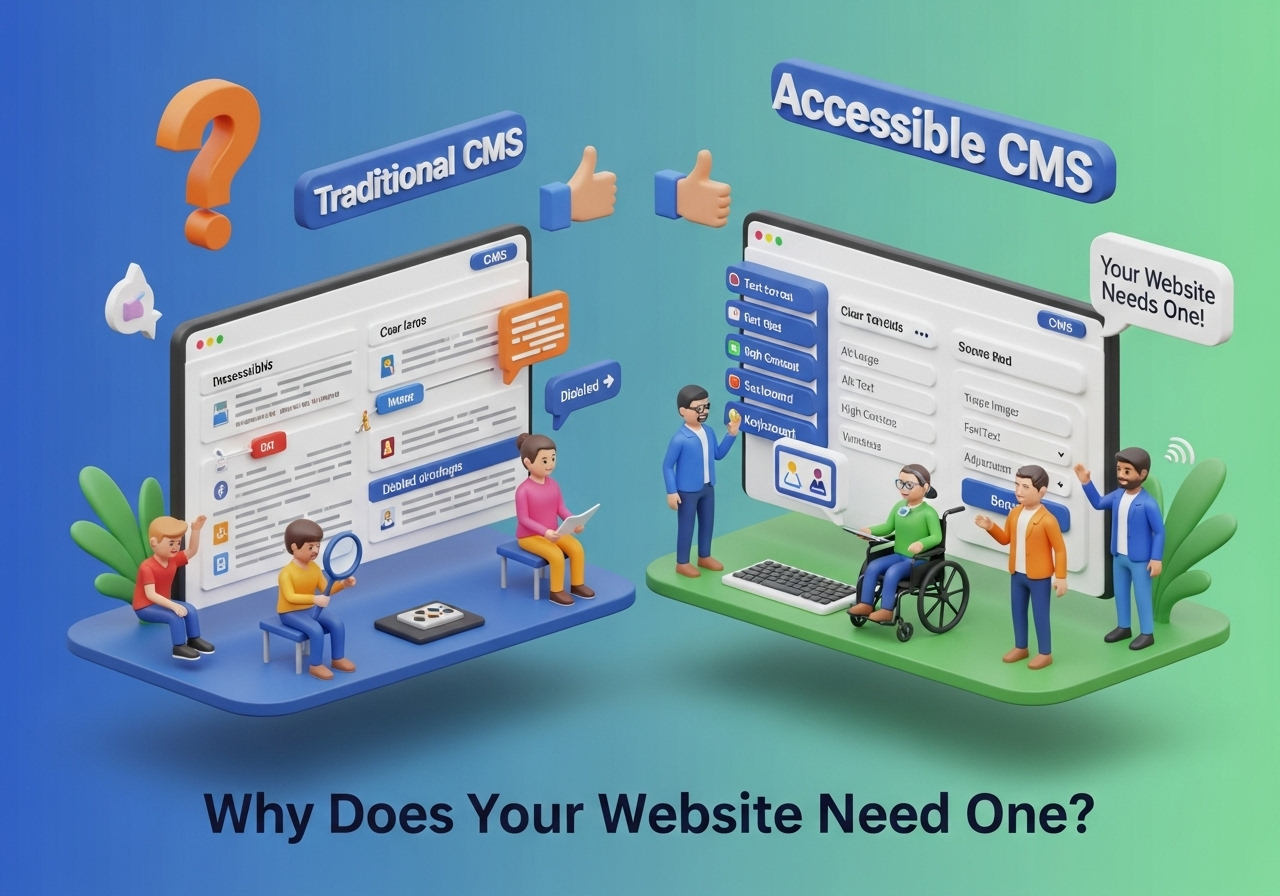
Why Does Your Website Need an Accessible CMS?
1. Legal Compliance
Regulations such as the Americans with Disabilities Act (ADA) in the U.S., EN 301 549 in Europe, and The Rights of Persons with Disabilities Act in India now include digital services. Non-compliance can lead to legal challenges, fines, or reputational loss.
2. SEO Advantages
Search engines prioritize accessible websites. Using semantic markup, proper heading hierarchy, and alt attributes—all supported by accessible CMS tools—improves indexing, ranking, and discoverability.
3. Better User Experience for All
Accessible design enhances usability for everyone. A CMS that promotes consistency in layout, navigation, and readability creates smoother experiences and improves engagement and conversions.
4. Future-Proof Development
An accessible CMS offers scalability, helping your website grow or evolve without breaking compliance, reducing rework and long-term costs. Popular CMS Options: Accessibility Comparison
| Feature | WordPress | Headless CMS (e.g., Strapi + React/Next.js) |
| Accessibility Plugins | Available (e.g., WP Accessibility) | Full control via custom code |
| Content Editor Usability | Moderate | High (tailored interfaces) |
| ARIA Support | Theme/plugin-dependent | Developer-controlled |
| Screen Reader Integration | Requires external plugins | Built into dev process |
| Best Use Case | Small to mid-sized businesses | Enterprise & dynamic apps |
Muniwar’s Insight:
- WordPress is powerful with the right plugins and themes, but it requires regular monitoring.
- Headless CMS solutions are ideal for fully custom, scalable, and accessible websites where control over UI/UX is critical.
How Muniwar Technologies Builds Accessible CMS Websites
At Muniwar Technologies, accessibility is not an afterthought. It’s an integrated part of our development strategy.
1. Strategic Planning
We assess your users’ needs, compliance goals, and scalability requirements, helping you select the right CMS—be it WordPress, a Headless stack, or a custom build.
2. Inclusive UI/UX Design
Our designers follow WCAG 2.2 standards from day one—ensuring clear navigation, contrast ratios, resizable fonts, and mobile responsiveness.
3. Semantic, Purposeful Development
We use semantic HTML5, proper ARIA roles, and clear content hierarchy. Every feature is built with assistive technology compatibility in mind.
4. Comprehensive Accessibility Testing
Our team conducts both automated audits (axe DevTools, Lighthouse) and manual testing (screen readers like JAWS and NVDA) to ensure full compliance.
5. Training and Support
We provide documentation and hands-on training for your content teams on best practices: writing alt text, preserving semantic structure, and managing multimedia accessibly. Accessibility CMS Checklist Evaluate your current CMS using this quick audit:
- Can editors easily add alt text and captions?
- Is the admin panel navigable with keyboards or screen readers?
- Do available templates use semantic HTML?
- Can ARIA roles and attributes be applied without code edits?
- Is accessibility testable before content goes live?
- Does it support multi-language accessibility features?
If you answered “No” to any of these, it may be time to upgrade your CMS. Real-World Impact: A Case Study Client: National Education NGO Challenge: Their WordPress setup lacked accessibility plugins, leading to inconsistent content structure and low engagement. Solution by Muniwar:
- Migrated to a Headless CMS using Next.js
- Implemented reusable and accessible UI components
- Integrated screen reader testing and voice navigation
Result: User engagement grew by 35% in just 3 months
Conclusion
Selecting an accessible CMS isn’t just a technical decision—it’s a statement of inclusion and foresight. By ensuring your CMS supports universal access, you build a platform that serves everyone, enhances SEO, and meets compliance with global standards.
At Muniwar Technologies, we help businesses across sectors develop WCAG 2.2 and ADA-compliant platforms that combine performance, design, and accessibility.
Let’s Build a Better Web, Together
Ready to build or upgrade to an accessible CMS? Contact Muniwar Technologies today for a consultation Call us:+91 888-22-66-111 | +91-11-4305061. Let’s create inclusive digital experiences that deliver results.





