
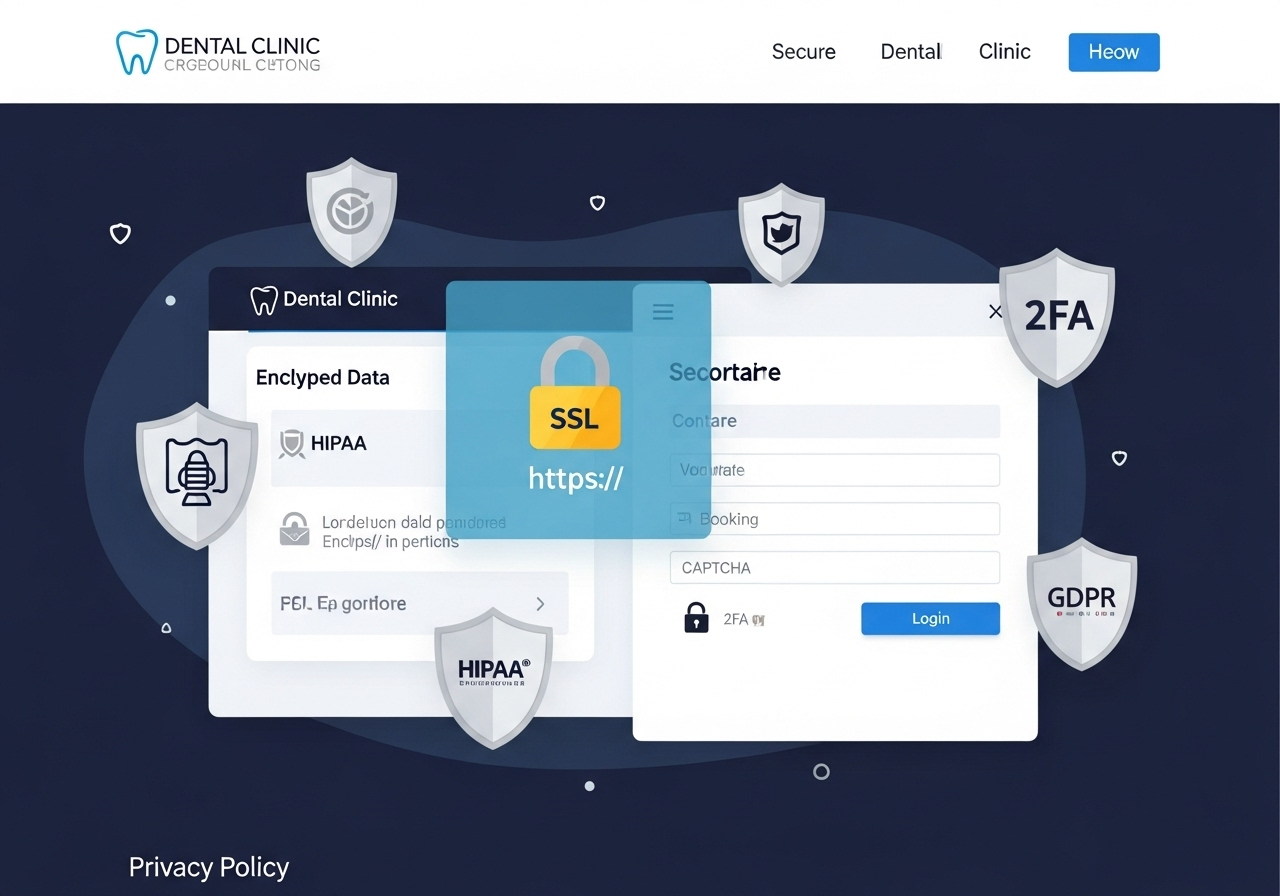
Building trust with your dental patients
Your website is not just a digital brochure; it’s a powerful tool to gain trust, ensure data security, and protect patient privacy. As more patients rely on digital platforms to book appointments, fill out medical history forms, and even consult virtually, your website becomes the front line of communication and care.
But with that convenience comes a growing responsibility. Cybersecurity threats are more sophisticated than ever, and health-related data is a prime target. A breach in your website’s security not only puts your practice at legal risk—it can irreversibly damage your reputation.
From SSL certificates to privacy policies and data protection laws
Here’s a complete guide to securing your dental website and why it matters more than ever.
SSL (Secure Sockets Layer) encrypts the data transferred between your website and your visitors. It ensures that personal information—like names, emails, and appointment details—is protected from hackers.
Why SSL Matters:
- Shows “https://” and a padlock icon in the browser bar
- Protects patient data (especially during online form submissions)
- Required for Google rankings—sites without SSL are flagged as “Not Secure”
- Instills trust in new visitors and existing patients
If your dental website lacks SSL, you’re not only risking patient data, but also losing visibility on search engines.
2. Privacy Policies: Transparency Builds Trust
Every dental website must have a clear and accessible privacy policy—especially if you collect:
- Contact form data
- Appointment requests
- Newsletter signups
- Any patient-identifiable information
Your privacy policy should outline:
- What data is collected
- How it’s stored
- Whether it’s shared with third parties
- How patients can opt out or request deletion
Pro Tip: Use simple language. Patients should understand how you’re protecting their information, not get lost in legal jargon.
3. HIPAA Compliance (for US-Based Practices)
If you’re operating in the U.S., your dental website must comply with the Health Insurance Portability and Accountability Act (HIPAA). This includes:
- Encrypting form submissions
- Using HIPAA-compliant hosting and email services
- Limiting access to patient information
- Signing Business Associate Agreements (BAAs) with tech vendors
Even if you’re not in the U.S., similar principles apply under GDPR (Europe) or India’s Digital Personal Data Protection Act (DPDP).
4. Security Features Every Dental Website Should Have
Want to secure your site beyond SSL and privacy policies? Here’s your checklist for 2025:
Firewall & Malware Protection
Prevents cyberattacks, spam, and data leaks.
Captcha on Forms
Protects from bots and fake submissions.
Automatic Backups
Ensures your site can recover in case of a breach.
Two-Factor Authentication (2FA)
Adds extra login security for admins and staff.
Regular Software & Plugin Updates
Outdated tools are the #1 entry point for hackers. Keep everything updated!
5. Risks of Ignoring Website Security
Failing to secure your dental website could lead to:
- Loss of patient trust
- Search engine penalties
- Legal action for privacy violations
- Data theft and identity fraud
Security isn’t just a technical issue—it’s a business reputation issue.
6. How to Check If Your Website Is Secure
You can use the following free tools to test your dental site:
- SSL Checker – Verifies your SSL status
- Google Safe Browsing – Checks if your site is flagged for malware
- SecurityHeaders.com – Tests for important HTTP security headers
Muniwar Security Audit – Book a free website check
Conclusion
Ready to Secure Your Dental Website?
At Muniwar Technologies, we specialize in building fast, secure, and patient-trusted websites for dental clinics. From SSL implementation to privacy compliance and malware protection—we’ve got you covered.
🔒 Book Your Free Website Security Audit Today: www.muniwar.com





