
Build a secure, modern, and patient-friendly dental site that performs and converts
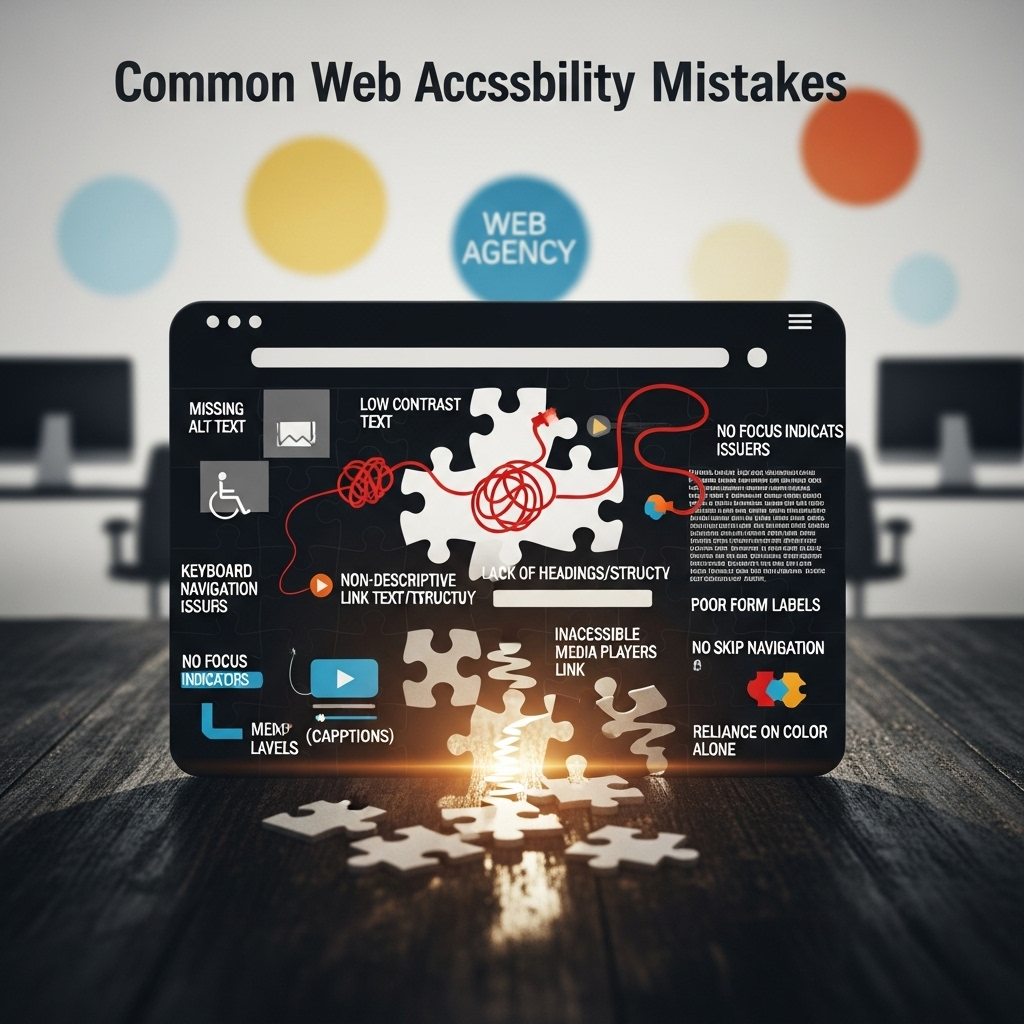
In 2025, web accessibility is not just a technical standard—it’s a business necessity. As agencies build sophisticated websites using modern CMS platforms like WordPress, Webflow, and Headless CMS stacks, many still overlook fundamental accessibility principles. These oversights can lead to poor user experiences, legal issues, and missed opportunities.
At Muniwar Technologies, we specialize in helping businesses and agencies develop inclusive, accessible web solutions. Below are 10 common accessibility mistakes we frequently encounter, along with clear strategies to fix them—without diving into code.
10 Costly Accessibility Mistakes Agencies Still Make in 2025
1. Missing or Poor Alt Text for Images
The Problem: Many websites include images without descriptions or use vague phrases like “image1” or “banner.jpg.”
The Solution: Always add meaningful alternative text that describes the purpose of the image. If the image is purely decorative, it should be hidden from screen readers to avoid confusion.
2. Lack of Keyboard Navigation Support
The Problem: Some interactive elements like menus, forms, or popups cannot be used with a keyboard alone.
The Solution: Ensure that users can navigate all interactive features using just the Tab, Shift + Tab, and Enter keys. A visible highlight or focus indicator should show which element is selected.
3. Poor Color Contrast
The Problem: Text that blends into the background is difficult to read, especially for people with visual impairments.
The Solution: Maintain strong contrast between text and background. Use dark text on light backgrounds or vice versa. Avoid light grey on white or red-green color combinations.
4. Overusing Non-Semantic Layouts
The Problem: Using generic layout elements without conveying the meaning behind each section makes it hard for assistive tools to understand the content structure.
The Solution: Use headings and clearly labeled sections to indicate what content belongs where—like menus, footers, or main content areas.
5. Unclear or Missing Labels in Forms
The Problem: Users with visual impairments struggle when form fields are unlabeled or only use placeholder text.
The Solution: Each form field should have a visible and descriptive label. Additional guidance like “required field” or “format: dd/mm/yyyy” should be easy to locate.
6. Error Messages That Are Not Announced
The Problem: Many forms display visual error messages without notifying screen reader users.
The Solution: Ensure that form errors are clearly written, close to the relevant field, and announced so users know how to correct them.
7. No Focus Indicator for Navigation
The Problem: Users navigating with keyboards can’t always see where they are on the page.
The Solution: Make sure that as users move through a website using the keyboard, there’s a visible indication (like a highlight or underline) showing which element is active.
8. Only Relying on Automated Tools
The Problem: While tools like Lighthouse or accessibility plugins are useful, they can’t catch every issue.
The Solution: Combine automated checks with manual testing using screen readers, magnifiers, and real-life user feedback for a complete audit.
9. Misuse of Accessibility Features Like ARIA
The Problem: Adding advanced accessibility tags without understanding their use can confuse assistive technology.
The Solution: Stick to well-supported features and ensure that any added functionality enhances rather than hinders accessibility.
10. Choosing Inaccessible Themes or Plugins
The Problem: Many themes or third-party plugins used in CMS platforms are not designed with accessibility in mind.
The Solution: Select plugins and themes that are tested and certified for accessibility. Be especially cautious with sliders, popups, and interactive forms.
Quick Comparison of CMS Accessibility Support:
| Platform | Accessibility Support | Notes |
| WordPress | Varies | Depends on theme and plugin choices |
| Webflow | Strong | Visual builder with built-in features |
| Headless CMS | Customizable | Requires developer involvement |
| Wix/Squarespace | Moderate | Limited options for customization |
Conclusion
At Muniwar Technologies, accessibility is woven into every stage of development—from strategy and design to testing and launch. Whether you’re launching a new website, reworking an existing one, or migrating to a new platform, we can help ensure your digital experience is inclusive, compliant, and future-ready.
Let’s Build a Web That Works for Everyone
Get in touch with Muniwar Technologies today to align your web presence with the needs of all users.
Email: info@muniwar.com
Mobile: +91 888-22-66-111
Landline: +91-11-43050611





