
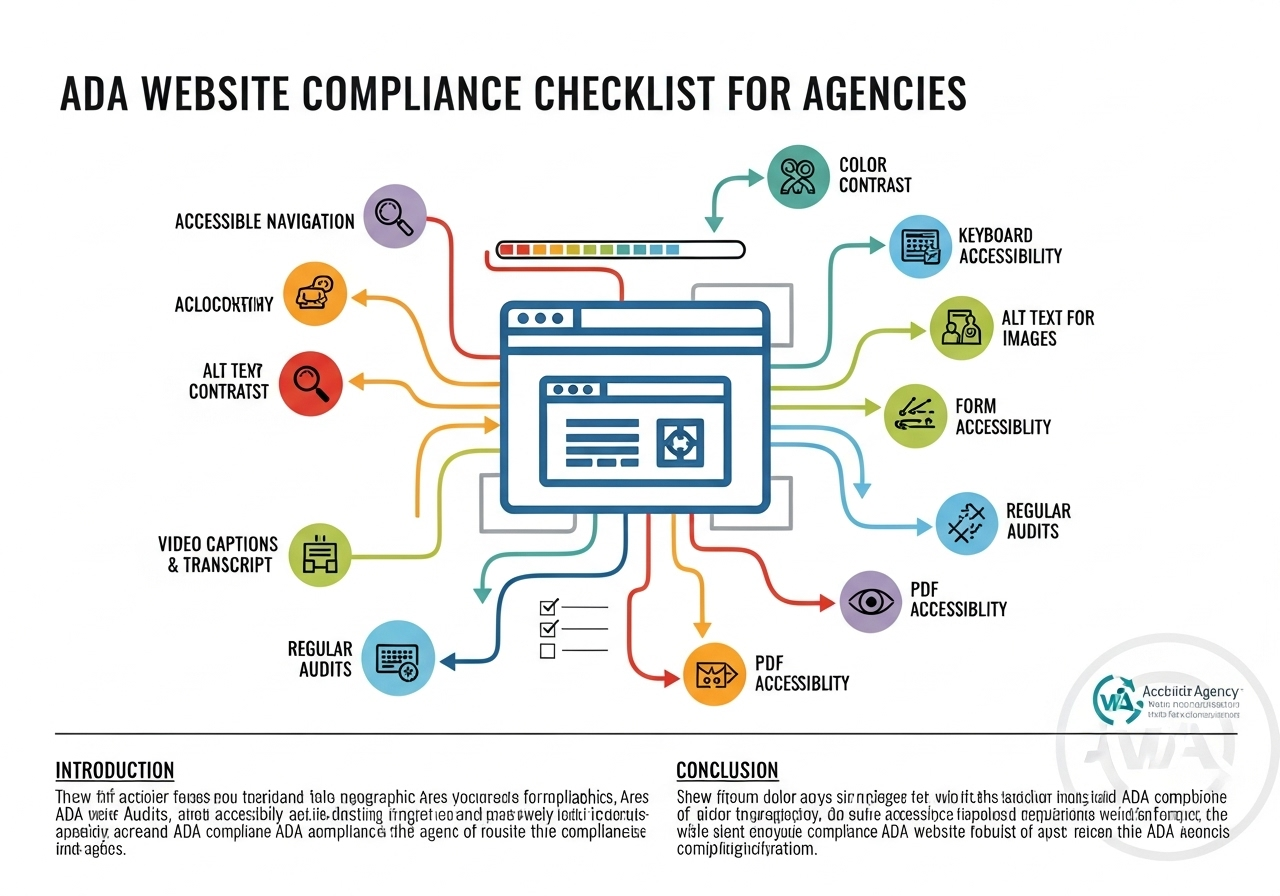
Your go-to guide for building accessible, WCAG 2.2-compliant websites
Website accessibility is no longer just a design best practice—it’s a legal mandate. As an agency, designer, or project lead, you are responsible not only for creating high-performance websites, but also for ensuring those sites are usable by individuals with disabilities.
This comprehensive checklist is designed to help agencies ensure their client websites meet ADA and WCAG 2.2 standards. Whether you’re working with WordPress, Drupal, or a headless CMS, this guide provides a framework to reduce legal risk and support inclusive digital experiences.
Bonus: A free downloadable PDF is available to support your internal teams and client workflows.
At Muniwar Technologies, we specialize in building accessible CMS solutions that scale. Let’s explore the requirements step-by-step.
What Is ADA Website Compliance?
The Americans with Disabilities Act (ADA) requires public-facing digital experiences to be accessible to people with disabilities—including those with visual, auditory, cognitive, and motor impairments.
The global standard for digital accessibility is defined by the Web Content Accessibility Guidelines (WCAG) 2.2, which outline how to make web content more accessible through structure, labeling, interaction, and design clarity.
Did you know?
Over 2,500 ADA-based web accessibility lawsuits were filed in the U.S. in 2023. Compliance isn’t optional—it’s a protective and ethical business decision.
ADA Website Compliance Checklist
Use this checklist to guide your audits and development processes:
1. Perceivable
- All images include descriptive alt text
- Videos offer closed captions or transcripts
- Color is not the sole method of conveying meaning
- Text meets minimum contrast ratio (4.5:1)
- Content can be resized up to 200% without losing functionality
2. Operable
- All features are accessible by keyboard-only navigation
- Clear focus indicators are present
- No content flashes more than three times per second
- Adequate time is provided to read/act on content
- Navigation menus are consistent across pages
3. Understandable
- The language of the page is correctly specified (e.g., lang=”en”)
- Forms include clear labels and instructions
- Error messages are specific and helpful
- Repeated content and links follow predictable patterns
- Interface behavior is logical and intuitive
4. Robust
- Content is compatible with assistive technologies
- HTML is valid, semantic, and well-structured
- ARIA roles and attributes are used correctly
- The website works across modern browsers and screen readers
Get your free downloadable PDF ADA Website Compliance Checklist here:
Use it as a reference across projects, hand-off documents for clients, or for training your internal QA teams.
Real-World Comparison: WordPress vs. Headless CMS
| Feature | WordPress | Headless CMS (e.g., Strapi, Contentful) |
| Accessibility Plugins | Available (e.g., WP Accessibility) | Requires manual frontend integration |
| Screen Reader-Friendly Themes | Widely available | Must be built by developers |
| Editor Interface | Visual, supports accessibility fields | Often not screen reader optimized |
| Control Over Output | Dependent on theme/plugin | Full control using frameworks like React |
| Best For | Marketing websites, blogs | Custom web apps, multi-platform content |
Free Tools to Test ADA Compliance
Integrate these tools into your development and QA process:
- WAVE (WebAIM): Browser extension for visual testing
- Lighthouse (Chrome DevTools): Accessibility and performance reports
- axe DevTools: Automated accessibility scanning
- NVDA / VoiceOver: Screen readers to simulate end-user experience
- Color Contrast Analyzer: Validates color ratio compliance
Muniwar’s Approach: Accessibility Customized
At Muniwar Technologies, we understand that accessibility isn’t a checkbox—it’s a continuous process. We work with agencies and enterprises to:
- Conduct ADA/WCAG audits on new or existing websites
- Implement CMS solutions that support accessibility at scale
- Train content creators and developers on inclusive practices
- Build custom frontend components for WordPress, Strapi, Webflow, and more
- Offer long-term compliance monitoring and remediation support
ADA Readiness Checklist for Agencies
Before launching any client project, ensure you’ve completed the following:
- Responsive design with keyboard navigation
- Interactive elements tested with screen readers
- Correct use of semantic HTML tags (e.g., <nav>, <button>, <main>)
- Third-party plugins and widgets reviewed for accessibility
- CMS supports alt text, ARIA roles, and labeled form fields
Conclusion
By choosing the right CMS architecture—and the right development partner—you can create a digital presence that is both resilient and inclusive. Accessibility isn’t a barrier to scale—it’s a bridge to greater reach, better performance, and long-term value.
Ready to Build a Scalable, Accessible Digital Experience?
Connect with Muniwar Technologies today. We’ll help you evaluate your options, choose the right platform, and build digital solutions that are compliant, future-ready, and inclusive for all. Call Us +91 888-22-66-111 | +91-11-43050611





