
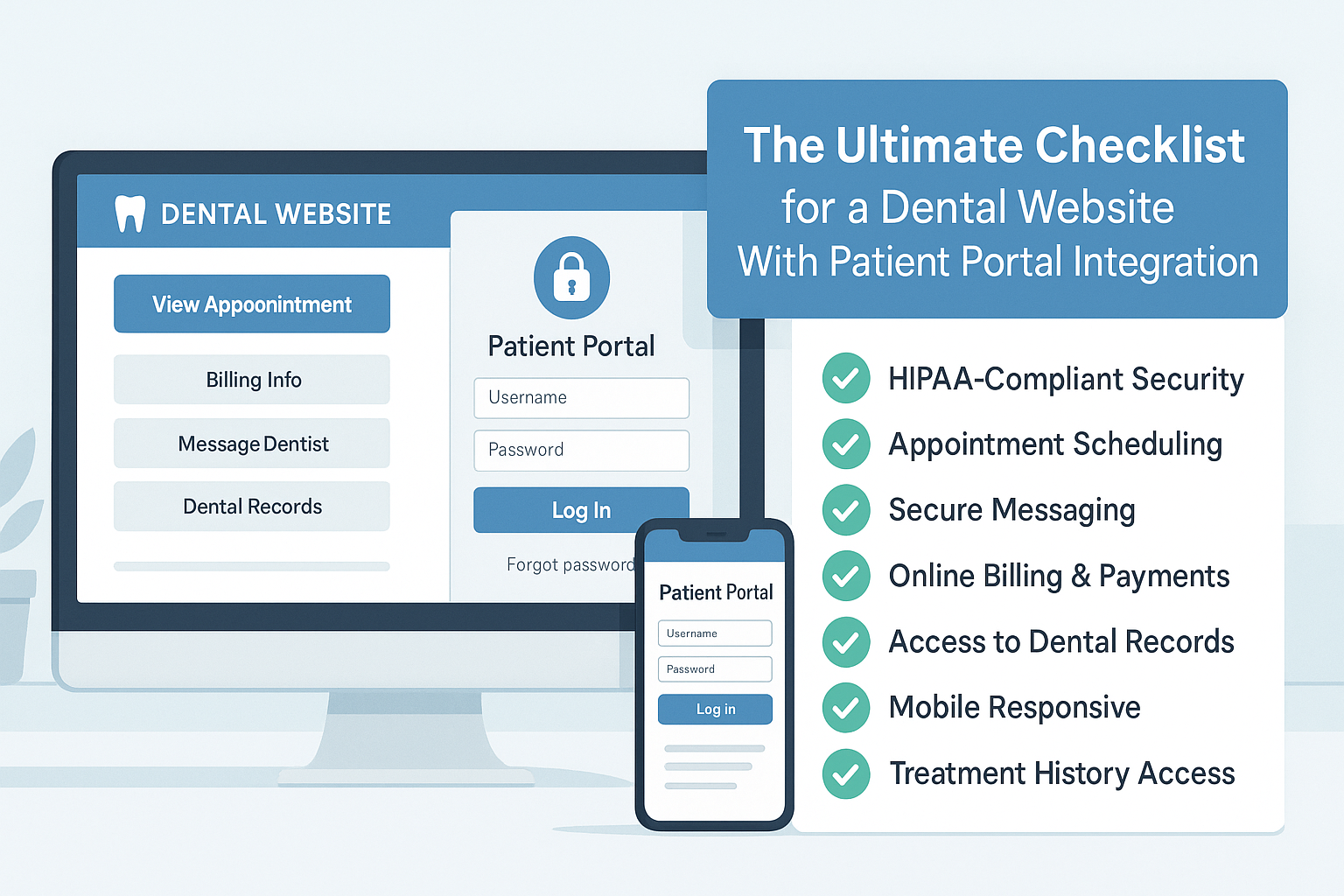
Build a secure, modern, and patient-friendly dental site that performs and converts
In 2025, your dental website isn’t just a digital brochure — it’s a full-service hub designed to streamline patient interactions. From appointment booking to secure access to health records, integrating a patient portal can significantly enhance the patient experience and your clinic’s operational efficiency.
Whether you’re building a new site or improving an existing one, use this checklist to ensure your website delivers trust, convenience, and performance.
Why Patient Portal Integration Matters
Today’s patients expect more than just basic information — they want 24/7 access and seamless digital experiences. Patient portals provide
- Self-service capabilities for booking, payments, and form submissions
- Access to medical records, treatment history, and prescriptions
- Secure messaging and document exchange (HIPAA-compliant)
- Streamlined staff workflows and reduced manual overhead
In an era where digital experience directly affects patient loyalty and conversion, your dental website must be functional, secure, and easy to use.
The Ultimate Dental Website Checklist (2025 Edition)
1. Clean, Mobile-First Design
Ensure your website is responsive across all devices. Over 70% of patients access healthcare services on mobile.
Tip: Use platforms like Webflow or WordPress with Elementor for responsive design.
2. HIPAA-Compliant Patient Portal Integration
A robust patient portal should enable patients to:
- View treatment history
- Access prescriptions
- Book or reschedule appointments
- Communicate securely with your clinic
- Complete pre-visit forms online
Recommendation: Use secure solutions integrated with EHR systems like Dentrix, CareStack, or OpenDental.
Comparison Example
- WordPress with HIPAA plugin (e.g., JotForm HIPAA) for quick setup
- Headless CMS with custom frontend for advanced security and scalability
3. Secure Login and Authentication
Implement two-factor authentication or OAuth-based login systems to ensure patient data protection.
Tech Tip: Frameworks like Next.js or React with Firebase Auth/Auth0 work well for custom login flows.
4. Real-Time Appointment Scheduling
Provide real-time calendar availability to eliminate back-and-forth communications.
Must-Have Features:
- Live calendar
- Automated SMS/email confirmations
- Synchronization with clinic systems
Tools to Consider: Calendly, Zocdoc integrations, or custom scheduling tools built via Muniwar APIs.
5. Intuitive Navigation and Service Pages
Patients should be able to find key information in three clicks or fewer.
Include dedicated service pages for:
- General dentistry
- Cosmetic procedures
- Pediatric care
- Orthodontics
Use clear call-to-action buttons such as “Book Now” or “Log in to Patient Portal”.
6. Performance Optimization
Site speed affects both user experience and search rankings. Optimize the following:
- Image sizes (WebP format recommended)
- Lazy loading of media and content
- CDN usage for global performance
- Code minification
Goal: Achieve a Google PageSpeed score of 90+ on mobile.
Platform Tip:
- WordPress with caching plugins
- Headless CMS (e.g., Strapi + Next.js) for superior performance
7. Accessibility Compliance (WCAG 2.1)
Ensure your website is accessible to all users, including those with disabilities:
- Use alt text for all images
- High contrast color schemes
- Full keyboard navigation
- Screen reader compatibility
Accessibility also helps boost your SEO.
8. Online Payments and Invoicing
Enable patients to make secure payments directly through your website.
Recommended Gateways: Stripe, Razorpay
Compliance Reminder: Ensure PCI-DSS standards are followed when handling payment information.
9. SEO Optimization and Local Visibility
Boost your search rankings with:
- Geo-targeted keywords
- Integration with Google Business Profile
- Structured data using schema markup
- Positive patient reviews and testimonials
Pro Tip: Muniwar’s Local SEO stack ensures visibility in your service area.
10. Analytics and Patient Behavior Insights
Monitor what’s working on your site with
- Heatmaps for visual interaction tracking
- Google Analytics 4 to track engagement
- Conversion funnels for bookings and forms
Understanding patient behavior helps improve site performance and marketing ROI.
WordPress vs Headless CMS for Patient Portal Integration
| Feature | WordPress | Headless CMS (e.g., Strapi) |
| Ease of Setup | ★★★★★ | ★★☆☆☆ |
| Performance | ★★★☆☆ | ★★★★★ |
| Scalability | ★★★☆☆ | ★★★★★ |
| Custom Portal Integration | ★★☆☆☆ | ★★★★★ |
| Security & HIPAA Readiness | ★★★☆☆ | ★★★★★ |
Summary Recommendation:
- Use WordPress for smaller practices requiring quick deployment and basic features.
- Go Headless for mid-to-large clinics that need advanced security, flexibility, and high performance.
How Muniwar Technologies Can Help
Muniwar Technologies builds dental websites that go beyond aesthetics — we deliver secure, modern platforms that integrate seamlessly with patient portals. Our services include:
- CMS and platform strategy tailored to your clinic’s needs
- Custom development of HIPAA-compliant patient portals
- Performance tuning, accessibility compliance, and SEO optimization
- Secure cloud hosting and third-party service integrations
Conclusion
A well-designed dental website with an integrated patient portal is no longer optional — it’s essential. From real-time scheduling to HIPAA-compliant communication and mobile-first design, every element should be built to enhance the patient journey and boost your clinic’s digital growth.
Contact Muniwar Technologies today to get started with a future-ready dental website.
Email: info@muniwar.com
Phone: +91 888-22-66-111 | +91-11-43050611
Let’s create a digital experience your patients will trust and return to.





