
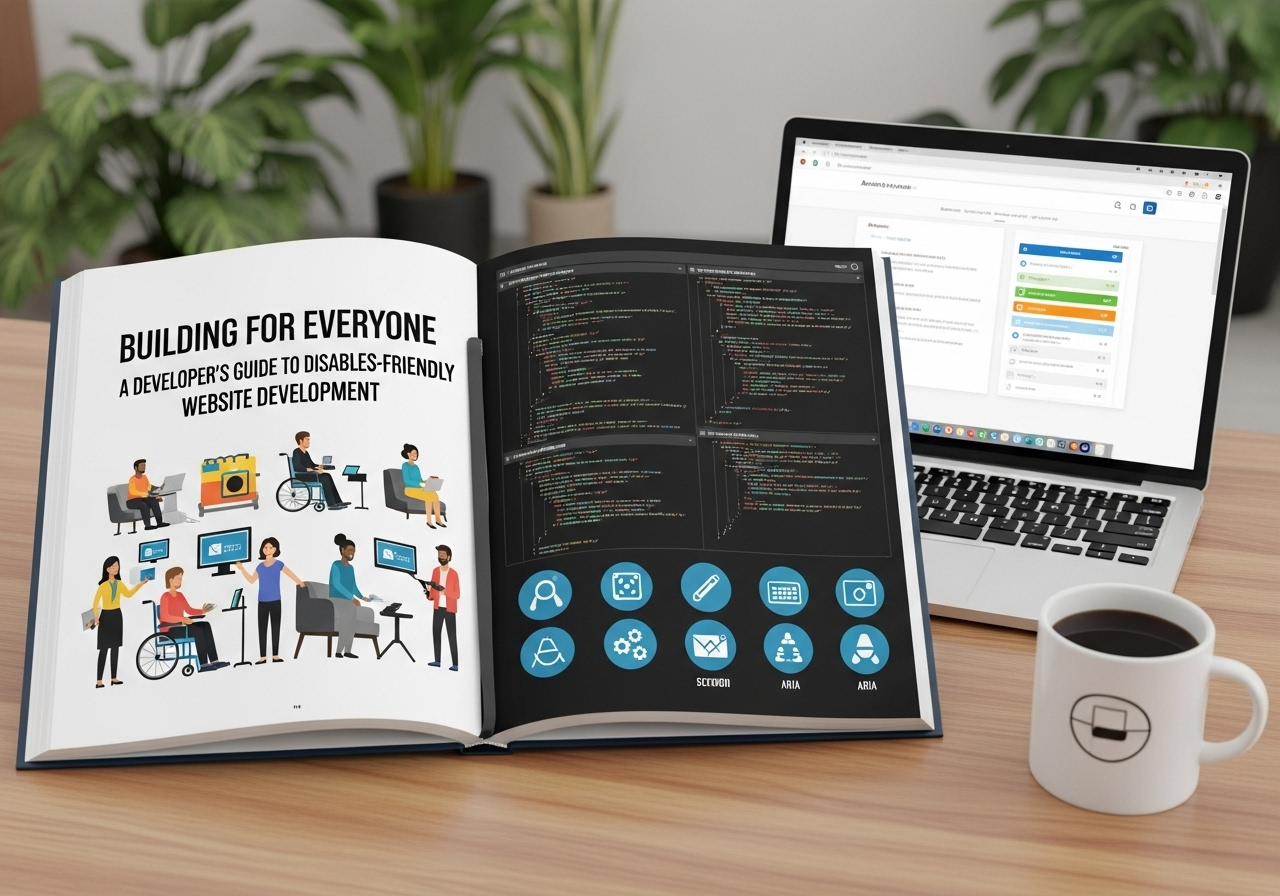
How to Build Inclusive Websites That Work for Every User, Regardless of Ability
In today’s digital world, accessibility is not a feature—it’s a necessity. Whether you’re a business owner, CTO, or decision-maker, understanding how to build a disabled-friendly website isn’t just about compliance—it’s about inclusivity, expanding your reach, and demonstrating genuine care for your users.
But what exactly does “disabled-friendly” mean in web development? And how can you make sure your content management system (CMS) and e-commerce platform are up to the task?
In this guide, we’ll break it all down—beginner-friendly, real-world examples, and expert-backed best practices. Plus, we’ll show how Muniwar Technologies can help you get it right.
Why Disabled-Friendly Web Development Matters
- Lost revenue opportunities
- Poor user experience
- Legal risks due to non-compliance with accessibility laws (like ADA or WCAG)
In contrast, an inclusive website offers:
- A wider audience reach
- Enhanced brand reputation
- Improved SEO and mobile usability
- Better overall user satisfaction
Core Principles of Accessible Web Design
To build a site that’s truly usable by all, keep these four WCAG (Web Content Accessibility Guidelines) principles in mind:
- Perceivable:
Information must be presentable to all senses—sight, hearing, and touch.
Tip: Use alt text for images, captions for videos, and ensure color contrast. - Operable:
Users should be able to navigate your site using a keyboard, screen reader, or other assistive devices.
Tip: Avoid mouse-only interactions; ensure all functions are keyboard accessible. - Understandable:
Content and navigation should be clear and predictable.
Tip: Use consistent layouts and plain language. - Robust:
The site should work with current and future assistive technologies.
Tip: Use clean HTML and ARIA (Accessible Rich Internet Applications) roles correctly.
Choosing the Right CMS: WordPress vs Headless CMS (with Accessibility in Mind)
Let’s compare two popular CMS options with a focus on accessibility:
| Feature | WordPress | Headless CMS (e.g., Strapi, Sanity) |
| Ease of Use | Beginner-friendly, visual editor | Requires developer skills |
| Accessibility Plugins | Many (e.g., WP Accessibility, Equalize Digital) | Depends on frontend framework |
| Control over Markup | Limited by theme | Full control over HTML/CSS |
| Flexibility | Moderate (theme-based) | High (decoupled architecture) |
| Best For | Small to mid-sized businesses | Enterprise or custom applications |
Pro Tip:
If you’re just starting or need fast deployment, WordPress with accessibility plugins is a strong choice. For complex digital experiences, a headless CMS gives you more control over accessibility and performance.
Checklist: Is Your Website Disabled-Friendly?
Here’s a quick checklist every business or developer should go through:
- Clear alt text for all images
- Video/audio content has captions or transcripts
- High color contrast for text and backgrounds
- Keyboard navigability
- No reliance on hover-only functions
- Logical HTML headings (H1 > H2 > H3…)
- ARIA roles implemented properly
- Form fields have proper labels
- Error messages are descriptive
- Skip navigation links for screen readers
Run your site through tools like WAVE, Lighthouse, or axe to spot issues.
E-commerce Accessibility: Don’t Leave Money on the Table
Imagine a visually impaired customer trying to buy a product from your online store—but the checkout button isn’t keyboard accessible. That’s a lost sale.
To create an accessible e-commerce platform:
- Use accessible shopping cart and payment plugins
- Ensure product images and buttons have meaningful labels
- Provide text-based alternatives for filters and dropdowns
- Allow font resizing and zooming without layout breakage
Platforms like Shopify, Magento, and WooCommerce support accessibility with varying degrees. Muniwar Technologies helps you customize them for full compliance.
Real-Life Inspiration: How Inclusive Design Helped a Retailer Grow
One of our retail clients at Muniwar had a high bounce rate from mobile and screen reader users. We audited their WordPress site, implemented accessibility plugins, improved color contrast, and restructured their navigation.
Result?
- 28% increase in time on site
- 19% reduction in cart abandonment
- Positive customer feedback from visually impaired users
This isn’t just about doing the right thing. It’s smart business.
How Muniwar Technologies Can Help
We believe accessibility should be baked into every digital experience. At Muniwar Technologies, we:
- Offer accessibility-first web and CMS development
- Customize WordPress, Shopify, and Headless CMS for inclusivity
- Run audits and optimize existing sites for WCAG compliance
- Guide your team through best practices for ongoing maintenance
We help you build not just a website, but a digital experience that welcomes everyone.
Conclusion
Inclusivity is the future of the web—and your business should be part of it. Whether you’re revamping an old site or launching a new digital product, make accessibility a priority from day one.
Reach out to Muniwar Technologies to discuss your ideal digital stack.
Email: info@muniwar.com
Phone: +91 888-22-66-111 | +91-11-43050611





