
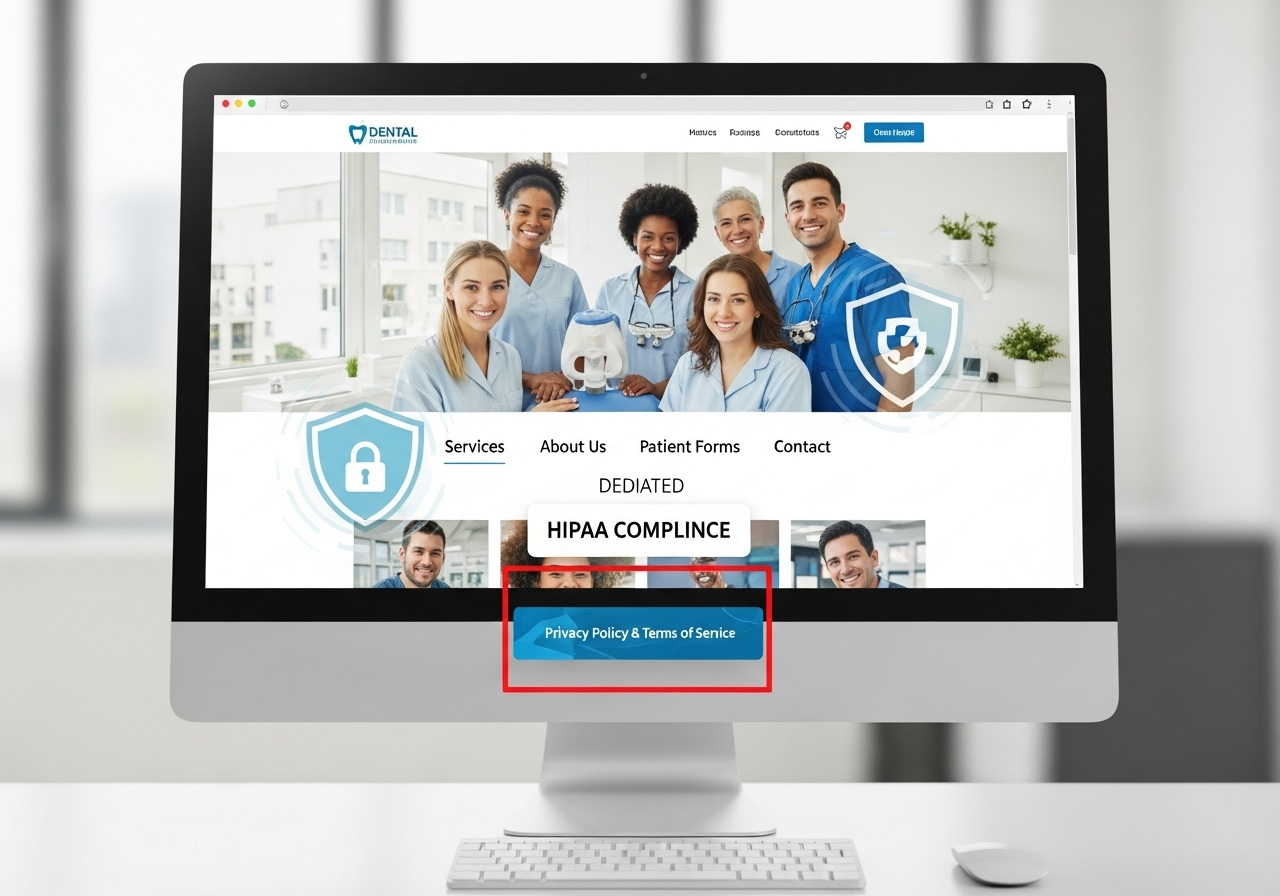
Build patient trust and protect sensitive data with secure, modern website solutions.
In the digital age, your dental clinic’s website is more than just a virtual brochure—it’s a gateway to patient trust, data collection, appointment scheduling, and sometimes even treatment-related discussions. For clinics in the United States, especially those handling patient health information (PHI), HIPAA compliance isn’t optional—it’s the law.
But what does HIPAA compliance really mean for your dental website? Can platforms like WordPress or headless CMSs meet these regulations? And how do you avoid penalties while delivering an excellent user experience?
In this guide, we’ll simplify what every dentist, practice owner, or CTO should know—and how Muniwar Technologies can help you get it right from day one.
What is HIPAA Compliance for Dental Websites?
The Health Insurance Portability and Accountability Act (HIPAA) sets the standard for protecting sensitive patient data. Any website or online system that collects, stores, or transmits patient health information must ensure that this data is encrypted, stored securely, and only accessible by authorized users.
Examples of PHI on a Dental Website:
- Patient contact or insurance details submitted via forms
- Appointment scheduling tools that collect health concerns
- Chatbots or contact systems discussing treatment
- Medical history submission forms or portals
HIPAA compliance includes: Secure data transmission (SSL encryption) Proper data storage and access control Signed Business Associate Agreements (BAAs) with vendors Audit controls and breach notification protocols
Risks of Non-Compliance
Ignoring HIPAA can lead to fines ranging from $100 to $50,000 per violation. Beyond fines, the loss of patient trust and potential lawsuits can permanently damage your clinic’s reputation.
Choosing the Right CMS: WordPress vs Headless CMS
Modern dental websites need powerful tools behind the scenes. Two popular approaches are:
WordPress (with HIPAA-focused Hosting)
Pros:
- Familiar interface
- Quick setup with themes
- Lots of healthcare-focused plugins
Cons:
- Requires careful configuration for HIPAA compliance
- Needs HIPAA-compliant hosting (like WP Engine + LuxSci or Atlantic.Net)
- Plugins may introduce vulnerabilities if not vetted
Best for: Smaller clinics looking for a familiar platform with tight vendor control.
Headless CMS (like Strapi + Next.js)
Pros:
- Maximum flexibility and performance
- Data is stored separately from front-end (better security)
- Easier to scale and optimize for SEO and speed
- Integrates well with secure backends and APIs
Cons:
- Requires more technical setup
- Need a development team or partner like Muniwar
Best for: Growing dental brands, multi-location clinics, or businesses needing custom patient portals and app integration.
HIPAA Dental Website Compliance Checklist
Here’s a simplified checklist to help you or your tech team evaluate your current or future dental website:
| Requirement | Status (✅ / ❌) |
| SSL encryption (HTTPS) | |
| Signed BAA with all service providers | |
| HIPAA-compliant hosting | |
| Secure form handling | |
| Email services with encryption + BAA | |
| Role-based access control | |
| Daily backups with secure storage | |
| Breach notification process |
Need help completing this checklist? Muniwar’s team can audit your site and identify gaps quickly.
Real-World Scenario: WordPress vs Headless CMS for a Multi-Clinic Dental Brand
Case: A growing dental brand with five locations wants to offer:
- Centralized appointment scheduling
- A patient portal for document uploads
- Scalable marketing across regions
WordPress Route: They used multiple plugins and patched in HIPAA-compliant hosting, but speed dropped and plugin conflicts arose. Security audits flagged potential risks.
Headless CMS Route (with Muniwar): We separated the front-end using Next.js, integrated a HIPAA-compliant backend (Strapi + AWS), and developed a secure patient portal. The result? – Faster load times – Better data control – Higher conversion rate from paid campaigns
Pro Tips for HIPAA Dental Website Success
- Don’t use regular email services like Gmail. Use HIPAA-compliant solutions like LuxSci or Paubox.
- Avoid generic contact forms. Instead, embed secure web forms with encryption and backend validation.
- Always get a BAA from your hosting, email, and form vendors. Without it, you’re not HIPAA-compliant.
- Consider two-factor authentication for admin logins.
How Muniwar Technologies Helps
At Muniwar Technologies, we specialize in custom CMS development, headless architecture, secure cloud hosting, and HIPAA-compliant workflows.
Whether you’re upgrading from a basic WordPress site or building a modern patient portal from scratch, we ensure your digital presence is fast, secure, and fully compliant
Conclusion
HIPAA compliance isn’t just a technical checkbox—it’s a critical component of patient trust, legal protection, and long-term success for your dental practice. Whether you’re collecting basic contact details or managing sensitive health records through your website, protecting that data is non-negotiable.
Choosing the right CMS, hosting partners, and design approach can make or break your compliance efforts. Traditional WordPress solutions can work with proper precautions, but for growing dental brands or multi-location clinics, a headless CMS architecture offers better performance, flexibility, and security.
At Muniwar Technologies, we bring together modern development, secure infrastructure, and healthcare compliance expertise to build websites that don’t just look good—but protect your patients and your practice.
Is Your Dental Website Truly HIPAA-Compliant?
Don’t leave it to chance. Let Muniwar Technologies help you build or upgrade to a fast, secure, and HIPAA-compliant dental website.
Email us: info@muniwar.com
Visit us: www.muniwar.com
Call: +91 888-22-66-111 | +91-11-43050611
Stay compliant. Build trust. Grow your practice—with Muniwar.





